
Monthly earnings on every Amazon page.
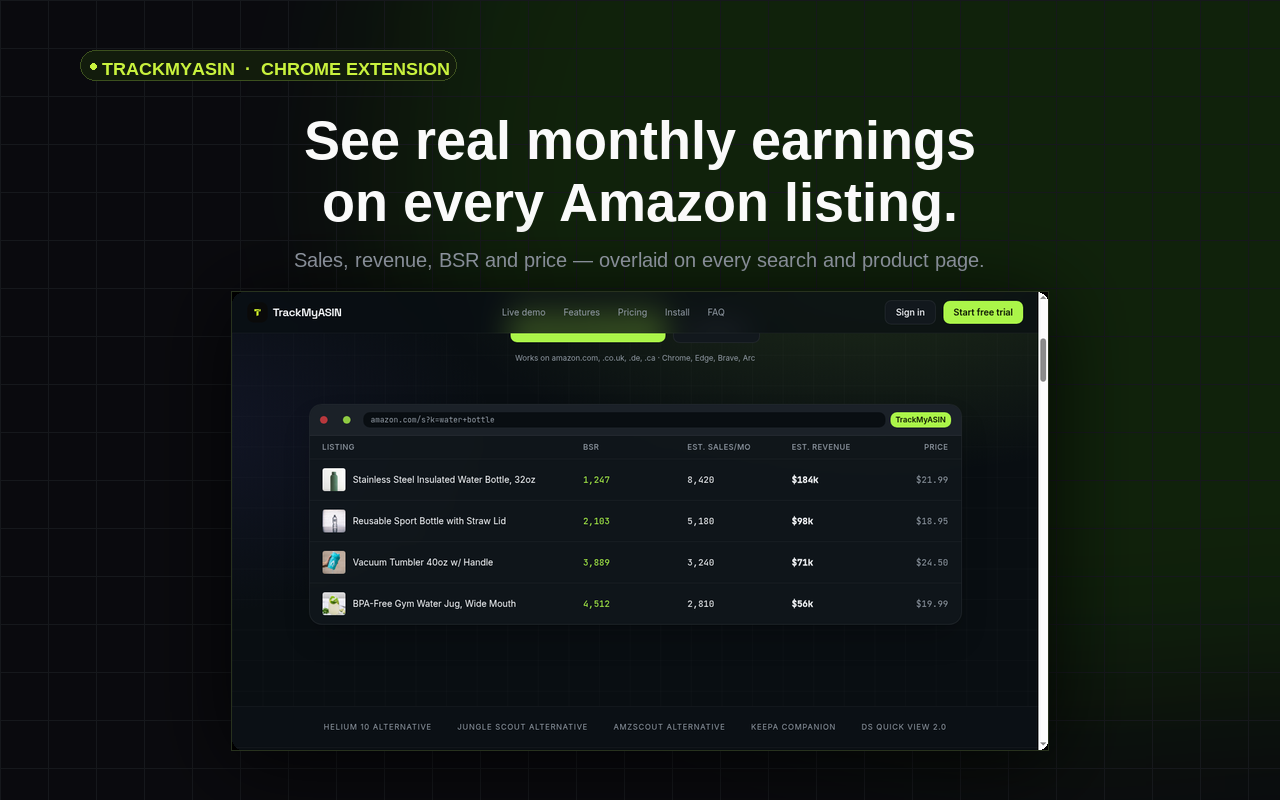
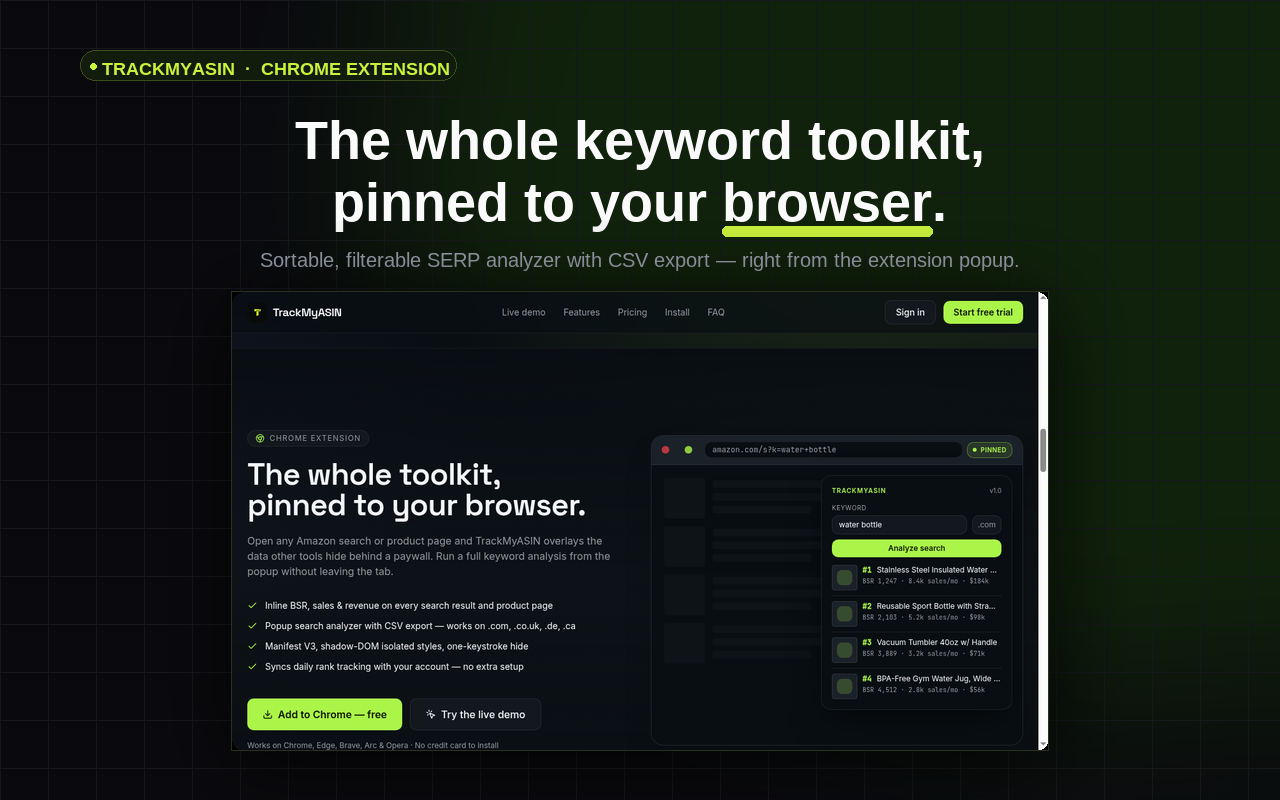
TrackMyASIN drops estimated sales, revenue and BSR onto every Amazon search result and product page, and ships a sortable, filterable SERP analyzer right in your toolbar.
Live on the Chrome Web Store · works on amazon.com, .co.uk, .de, .ca
Install in 30 seconds
- 1
Start your 7-day TrackMyASIN trial (a card is required — cancel anytime before day 7 and you won't be charged). Your extension API key only works while your trial or subscription is active.
- 2
Click Add to Chrome on the Chrome Web Store page that opens.
- 3
Confirm Add extension in the Chrome popup — TrackMyASIN installs in one click.
- 4
Pin the TrackMyASIN icon to your toolbar (puzzle-piece menu → pin).
- 5
Open your TrackMyASIN account page, copy your API key (starts with rl_), then click the pinned extension icon and paste it into the API key field — click Save key.
- 6
Visit amazon.com — TrackMyASIN sales & revenue badges appear on every search and product page.
It lives on your Account page
- 1. Open your TrackMyASIN Account page.
- 2. Scroll to Chrome extension API keys and click Create new key.
- 3. Copy the key (it starts with
rl_) — it's shown once, so save it. - 4. Click the pinned TrackMyASIN icon in Chrome, paste the key into the API key field, then press Save key.